If Bitget rejects a futures opening order, the cause is not always a simple lack of funds. The order can fail because the funds are in the wrong account, Unified Trading Account (UTA) collateral is discounted, fees and potential opening loss reduce available margin, the order violates a pair-specific minimum or maximum, an open-interest limit has been reached, the parameters are invalid, or the account or market is restricted. Check the exact error message and the order confirmation panel before transferring more money or repeatedly resubmitting the order.
Scope: This guide covers an order rejected before a new position opens. If a take-profit or stop-loss condition has already triggered but did not fill, use the Bitget TP/SL triggered but not executed guide instead.
Last verified: August 27, 2026. Trading parameters, product access, collateral ratios, risk controls and account features can change by pair, account type, region and date.
60-second Bitget futures order-rejection checklist
| Error clue or symptom | What to check first | Practical next step |
|---|---|---|
| Balance exists, but available margin is low | Account type, collateral value, existing orders, fees and opening loss | Read the order confirmation panel; cancel unnecessary open orders or reduce the order size |
| Minimum amount or quantity error | Current pair minimum and quantity precision | Use the live Futures trading parameters rather than an old screenshot |
| Maximum size or position-limit error | Single-order maximum, current position and OI ratio | Split or reduce the order only if it remains within the current rules |
| Price or parameter error | Price range, tick size, quantity step, leverage and order direction | Correct the field identified by the interface; do not keep sending the same order |
| Reduce-only or direction conflict | One-way versus Hedge Mode and whether the order is opening or closing | Confirm the position mode and remove Reduce-only from a genuine opening order |
| “Operation not supported” | Classic Coin-M margin asset and current product notice | Check whether the underlying coin is required; do not assume any collateral can open the contract |
| Pair unavailable or account restricted | Market status, region, KYC and risk-control notices | Check official announcements and account messages; contact support if the restriction is account-specific |
| Button spins or submission fails | Network, app version and scheduled maintenance | Record the error, check announcements and retry only after the platform is available |
1. Confirm where the usable margin actually sits
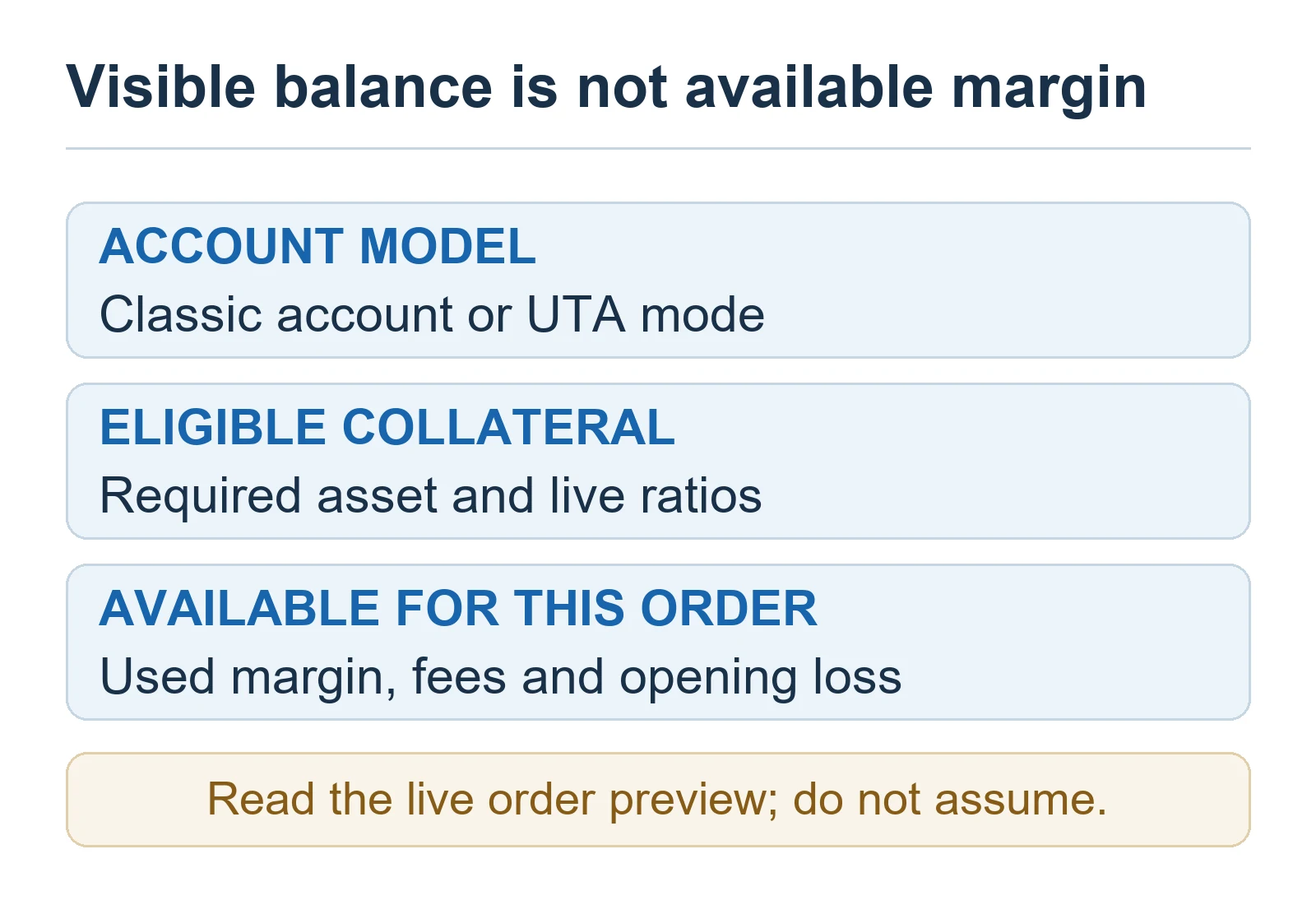
Bitget’s official troubleshooting guide says that, in a separated-account setup, assets held in another account such as Spot cannot be used as Futures margin until they are transferred to the relevant futures account. A total account balance therefore does not necessarily equal the balance available to an opening order.
Do not apply that transfer instruction mechanically to every user. Under a Unified Trading Account, eligibility depends on the UTA mode and the adjusted collateral value of the assets. In advanced mode, eligible assets can contribute to shared margin after their collateral ratios are applied. An asset with a reduced or zero collateral ratio may add much less—or nothing—to available margin even though it is visible in the account.
- Identify whether the account is Classic/separated or UTA.
- Check the settlement or margin asset required by the contract.
- Look at available margin, not only total equity or wallet balance.
- Include margin already frozen by open orders and the effect of unrealized losses.
- Use the current collateral page and order preview; ratios can change with liquidity and risk.
2. Why “position value ÷ leverage” can underestimate required margin
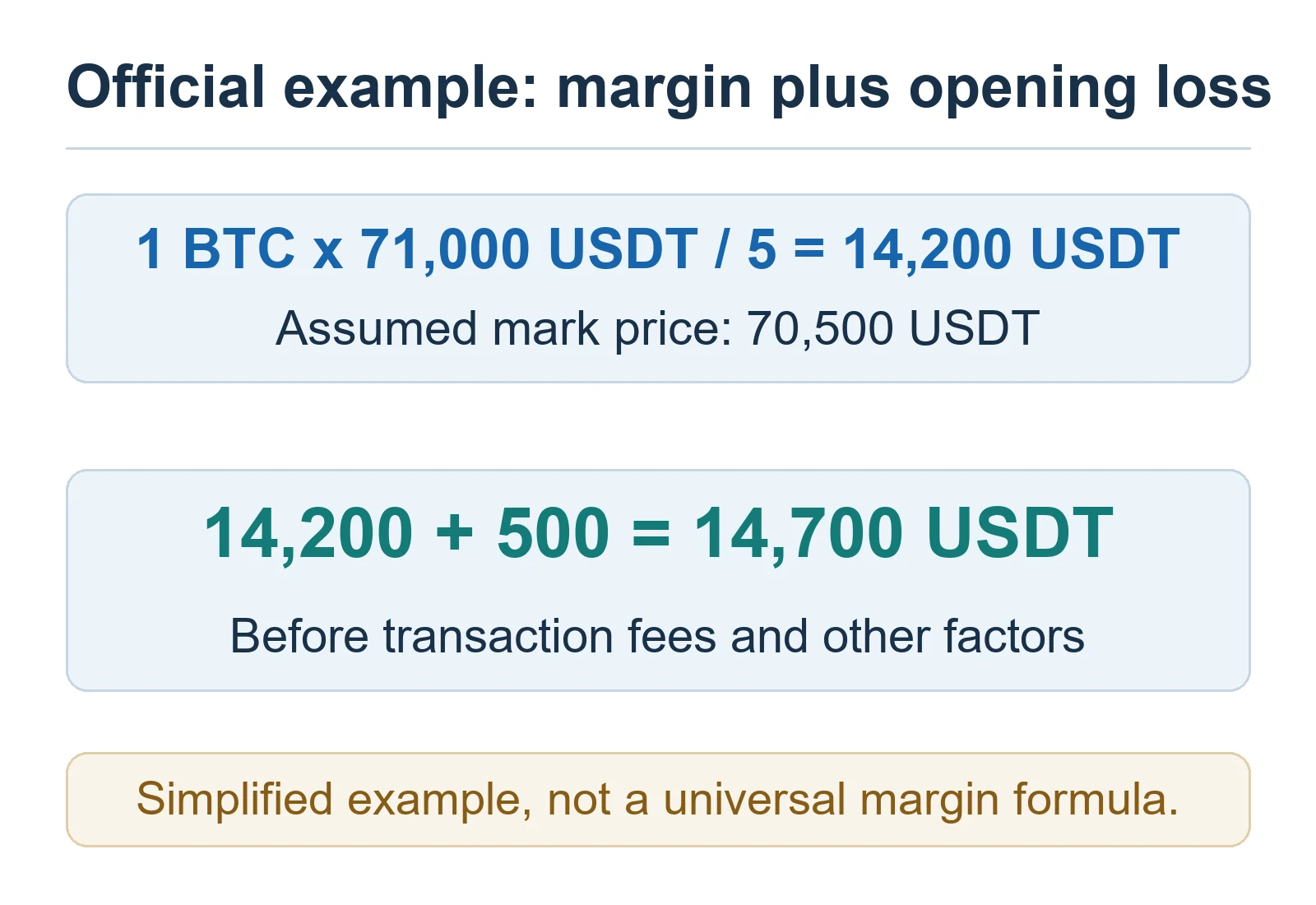
Bitget’s current futures initial-margin guide says order verification can include the opening-order margin, the opening fee and a potential opening loss. An unfavorable order price can create an immediate loss relative to the mark price, so the platform can require more available margin than a simple leverage calculation suggests.
Bitget’s March 2026 example uses a 1 BTC long at 5× leverage with an order price of 71,000 USDT and a mark price of 70,500 USDT. The simplified leverage calculation is 14,200 USDT. Adding the 500 USDT potential opening loss raises the example requirement to 14,700 USDT. Bitget explicitly notes that this simplified example excludes transaction fees and other factors.
| Example component | Official example value | Meaning |
|---|---|---|
| Position and leverage | 1 BTC at 71,000 USDT, 5× | Simplified base initial margin: 14,200 USDT |
| Mark price | 70,500 USDT | The long order price is 500 USDT above the mark price |
| Potential opening loss | 500 USDT | Included in entry validation in the example |
| Simplified required amount | 14,700 USDT | Before transaction fees and other applicable factors |
The exact formula differs across Classic and UTA accounts, USDT/USDC-M and Coin-M contracts, cross and isolated margin, and One-Way and Hedge Mode. For troubleshooting, the safest reference is the required margin or maximum-open value displayed by the current Bitget order panel—not a fixed calculator copied from another account.
3. Check pair-specific minimums, maximum order size and OI limits
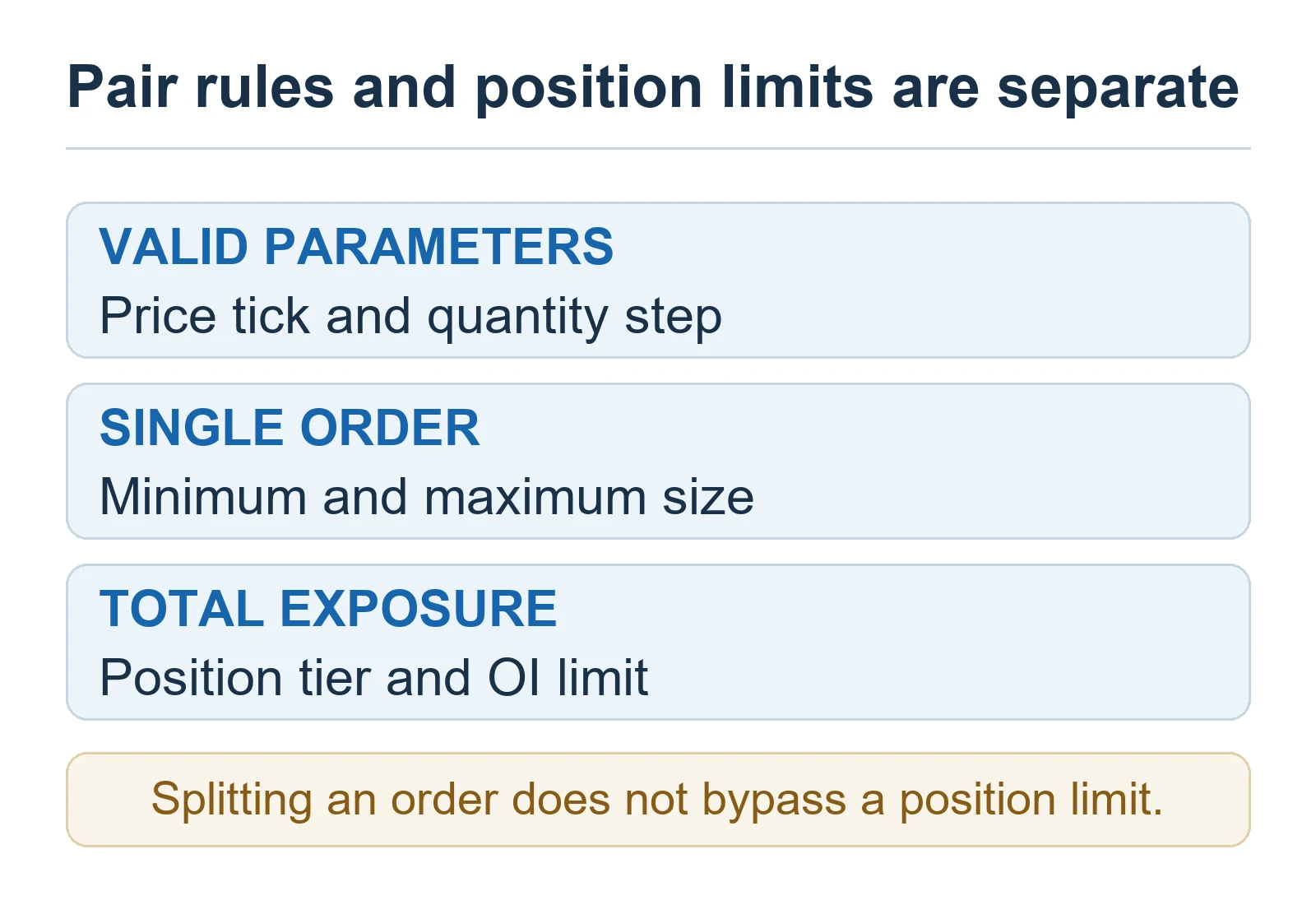
Each futures pair can have its own minimum quantity, quantity step, price tick, leverage range and risk tier. Bitget also publishes different single-order maximums for market and limit orders on USDT-M futures. A valid size on one pair or order type may be rejected on another, and the live values can change.
A separate position or open-interest limit can block an additional opening order even when the single-order size itself is valid. Bitget’s risk-control documentation explains that relevant position ratios can include positions across a main account and ordinary sub-accounts. Do not publish or rely on one permanent OI percentage: check the live Futures position limit and Futures trading parameters for the exact pair.
- If the order is below the minimum, use a valid quantity that still fits your risk plan.
- If it exceeds a single-order maximum, do not assume that splitting orders bypasses the overall position or OI limit.
- If an existing position or open order is consuming the limit, reduce exposure before attempting another opening order.
- Check market and limit order rules separately.
4. Validate price, quantity, leverage and position mode

Bitget lists incorrect order parameters as another reason an opening order can be rejected. The price may be outside the permitted range, the quantity may not match the allowed step, the leverage may not be valid for the selected tier, or the order direction may conflict with the current position mode.
A Reduce-only order is meant to reduce or close exposure; it is not a normal opening instruction. One-Way Mode and Hedge Mode also represent long and short exposure differently. If the error mentions Reduce-only, order direction or switching modes, confirm the exact behavior in the Bitget Hedge Mode vs One-Way Mode guide rather than changing modes while active orders or positions remain.
This article does not treat a limit order waiting in the order book as “rejected.” A successfully accepted limit order may remain unfilled because its price has not been reached. Likewise, a triggered TP/SL that fails at the execution stage is a separate problem from an opening order that never passed validation.
5. “Operation not supported” on Classic Coin-M futures
Bitget announced a 2026 restriction affecting cross-asset margin for Coin-M futures in Classic accounts. From May 7, 2026 at 4:00 PM (UTC+8), accounts using a non-underlying coin as margin for the affected setup may be unable to open new positions. Bitget’s example says that trying to trade BTCUSD using ETH rather than BTC as margin can produce the message “Operation not supported.”
- New opening orders can be rejected while closing remains allowed.
- In One-Way Mode, only orders recognized as Reduce-only closing orders are allowed in the described case.
- For a reverse order, the closing leg may execute while the new opening leg is rejected.
- Transfers and accounts using the underlying coin as margin were described as unaffected by that specific restriction.
This is a product-specific announcement, not a universal rule for every futures account. Confirm the current contract status and latest official notice before changing collateral or closing a position.
6. Risk control, KYC, region, pair status and maintenance
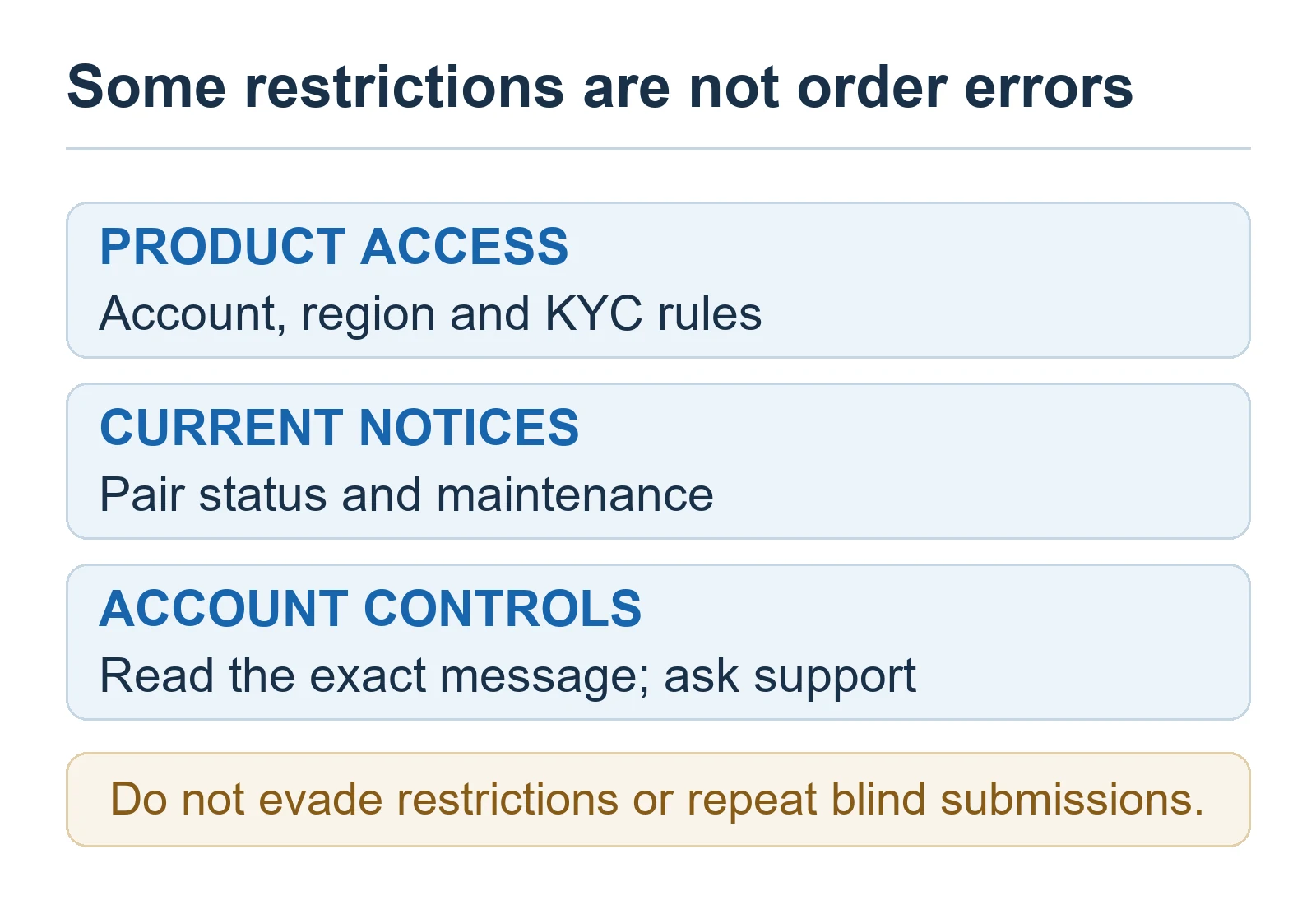
Some rejection causes cannot be corrected by editing an order. Bitget says risk-control restrictions can temporarily prevent new positions, and trading pairs can be limited during high volatility, product changes or maintenance. Product access and identity-verification requirements can also vary by account and region.
- Read dashboard, email and in-site risk-control notices.
- Confirm that the exact contract is active and available to the account.
- Check whether the requested product requires additional identity verification in the user’s region.
- Review Bitget announcements for maintenance, parameter changes or delisting stages.
- Do not use a VPN or false identity information to evade a regional or account restriction.
What to record before contacting Bitget support
If the live interface and official parameter pages do not explain the rejection, avoid repeated blind submissions. Record enough information for support to identify the failed validation without sharing a password, two-factor code, seed phrase or private key:
- The exact error message and a timestamp with time zone.
- The futures pair, account type, settlement asset and margin mode.
- Market or limit order, side, quantity, price and selected leverage.
- Whether the order was opening, closing or Reduce-only.
- Available margin shown immediately before submission.
- App or web version and whether an official maintenance notice was active.
FAQ
Why can’t I open a Bitget futures position when my account shows assets?
The visible assets may be in the wrong separated account, discounted as UTA collateral, already committed to other orders, or insufficient after fees and potential opening loss. Compare the account mode and available margin with the order confirmation panel.
Why is the required margin higher than position value divided by leverage?
Bitget’s current verification can include opening-order margin, opening fees and potential opening loss. The exact calculation varies by account, contract and margin mode.
What does “Operation not supported” mean on Bitget Coin-M futures?
One documented 2026 cause is a Classic Coin-M account attempting to use a non-underlying coin as margin in the affected cross-asset setup. It can also be a different product or account restriction, so match the message with the current official notice and contract status.
Why can I close a Bitget position but not open a new one?
Opening increases exposure and must pass margin, parameter, position-limit and product-access checks. A platform restriction can allow Reduce-only closing orders while rejecting new exposure, including the documented Classic Coin-M case.
Will increasing leverage always fix an insufficient-margin rejection?
No. Higher leverage increases liquidation risk and may not solve opening loss, fees, collateral discounts, minimum or maximum size, OI limits, invalid parameters or account restrictions. Use a smaller risk-appropriate position and the current order preview instead of treating leverage as a workaround.
Official Bitget sources
- Why Can’t I Open a Futures Position on Bitget and How to Fix It?
- Collateral Ratios and Margin Calculations in the Unified Trading Account
- Bitget updates futures initial margin validation rules
- Bitget Futures Initial Margin Guide
- Maximum order size limit for Bitget USDT-M Futures
- Announcement on risk control terms adjustments
- Cross-asset margin adjustment for Coin-M Futures in Classic accounts
Editorial and risk disclosure
BitQED is an independent educational site and is not Bitget customer support. This troubleshooting guide separates Bitget’s published rules from BitQED’s practical checking order. Product availability, limits, collateral treatment and risk controls can change, so the current Bitget interface and official notices take priority.
Futures and leveraged crypto trading can cause rapid losses and liquidation. Fixing an order error does not make the trade suitable or safe, and this page is not investment advice. Never share a password, one-time code, seed phrase or private key with anyone claiming to troubleshoot an order.
Related execution guide: Bitget Post-only, IOC and FOK: Canceled Orders and Partial Fills.