A Bitget app download should begin with Bitget’s official download page, not a file sent in a message or a familiar-looking search result. Follow the relevant store link, compare the destination’s identity and publisher information, and check eligibility separately. An official source reduces impersonation risk; it does not guarantee that an app is risk-free or that the service is permitted where you live.
Fact-checked: October 18, 2026 (KST). This guide concerns the Bitget exchange app, not a full review of Bitget Wallet. We checked public official documentation, not an installation on your device or a live Korean App Store/Google Play account. Store listings, operating-system requirements, terms and regional access can change.
Important for readers in South Korea: app-store access, website access and lawful service availability are separate questions. Do not interpret this guide as confirmation that Bitget currently accepts or may serve you in Korea. The Korea-specific policy section below explains why an alternative installer or website is not a workaround.
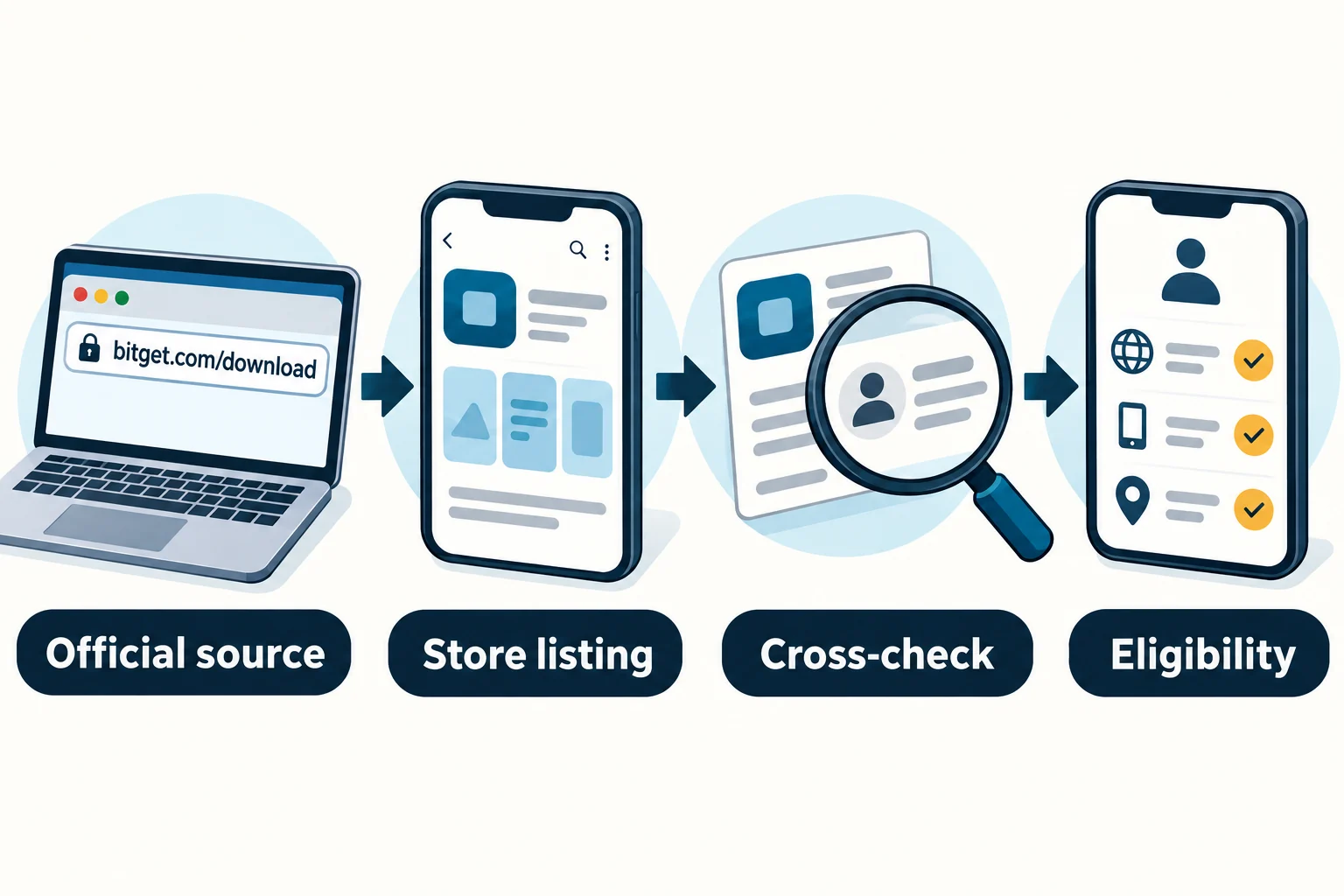
1. Check eligibility before looking for an installer
First decide whether the exchange service is available to you under both its current terms and local rules. Bitget’s Terms of Use, especially Eligibility and the definitions of Restricted Person and Prohibited Countries, require individuals to be at least 18 and exclude access in jurisdictions where the services are prohibited, restricted or illegal. Product-level restrictions can apply separately. Germany is among the countries in the prohibited-country definition checked on October 18; search interest in a country is not evidence that its residents are eligible.
Do not rely on an old country list reproduced in a blog. Read the live terms applicable to you and the relevant local authority’s guidance. A download button, successful installation, accessible website or completed identity check is not, by itself, a legal opinion or permission to use every product.
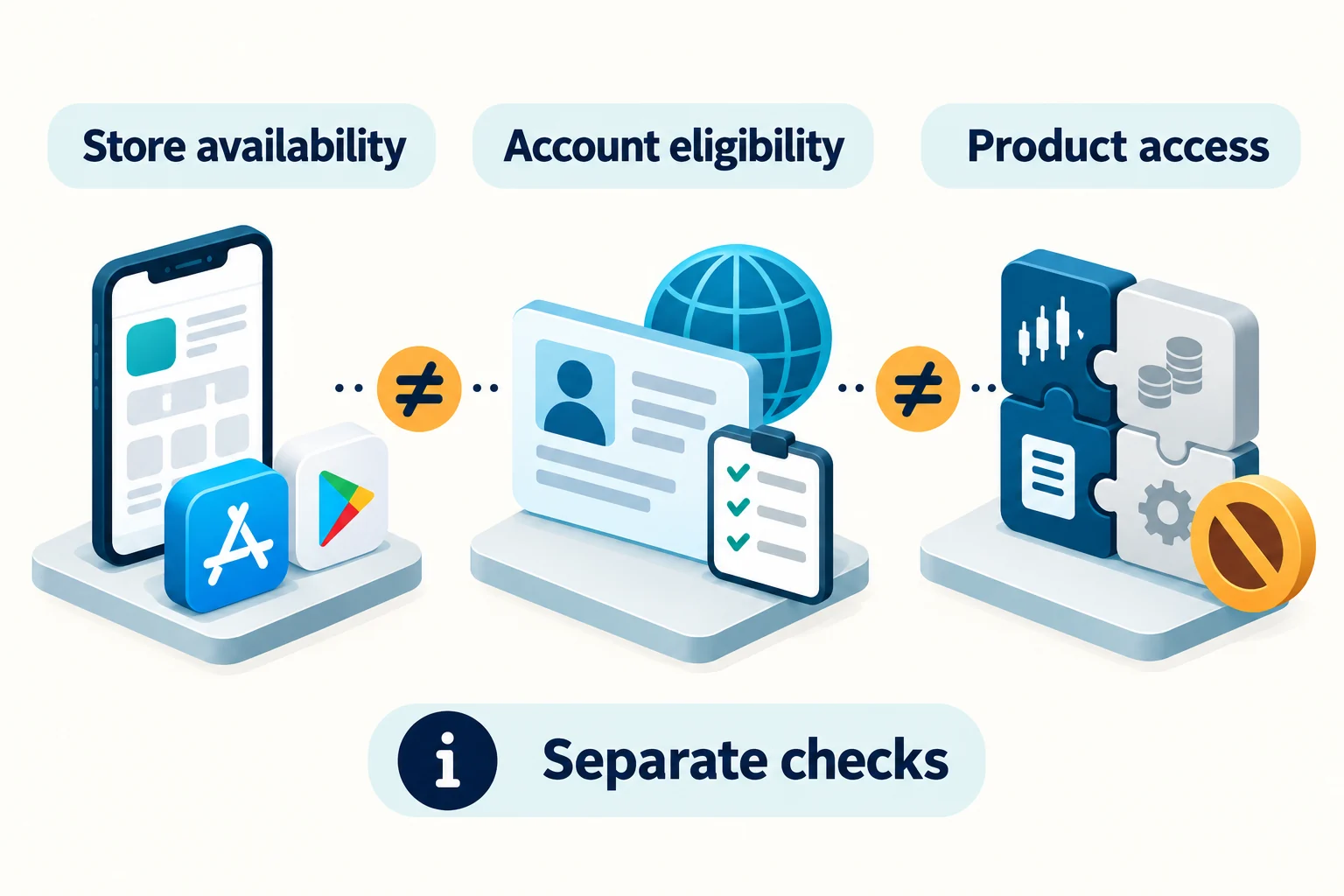
South Korea: platform policy is not the same as live app availability
Google Play’s current cryptocurrency exchange policy says developers targeting South Korea must have successfully filed a VASP report with KoFIU. That page expressly places non-custodial wallets outside this particular policy’s scope; it would be inaccurate to say all exchange and self-custody wallet apps are treated identically.
The Financial Services Commission’s October 13, 2026 announcement reports domestic access-blocking decisions for 27 unregistered virtual-asset business websites, following app-related measures. It also explains that overseas businesses serving Koreans can be subject to the reporting regime. This is regulatory context, not a claim that Bitget appears in that announcement’s specific 27-site list or a determination about an individual reader’s conduct.
We have not verified Bitget’s current visibility, installation or update availability from a Korean store account, or a Korean network’s access result. Those facts must not be inferred from the global download page. If access is unavailable, stop and consult official support and relevant local guidance; do not change country details, use another person’s account, disable safeguards or use a VPN/APK as a way around a restriction. The official website is not automatically an unrestricted alternative.
2. Identify the exchange app, not just the Bitget name
The exchange app provides access to a centralized exchange account. Bitget Wallet is a separate self-custody/Web3 product. Similar branding does not make their accounts, balances or recovery methods interchangeable. This article only uses the distinction to prevent installing the wrong product; the detailed Bitget Wallet versus Bitget Exchange comparison covers custody, account recovery and fees.
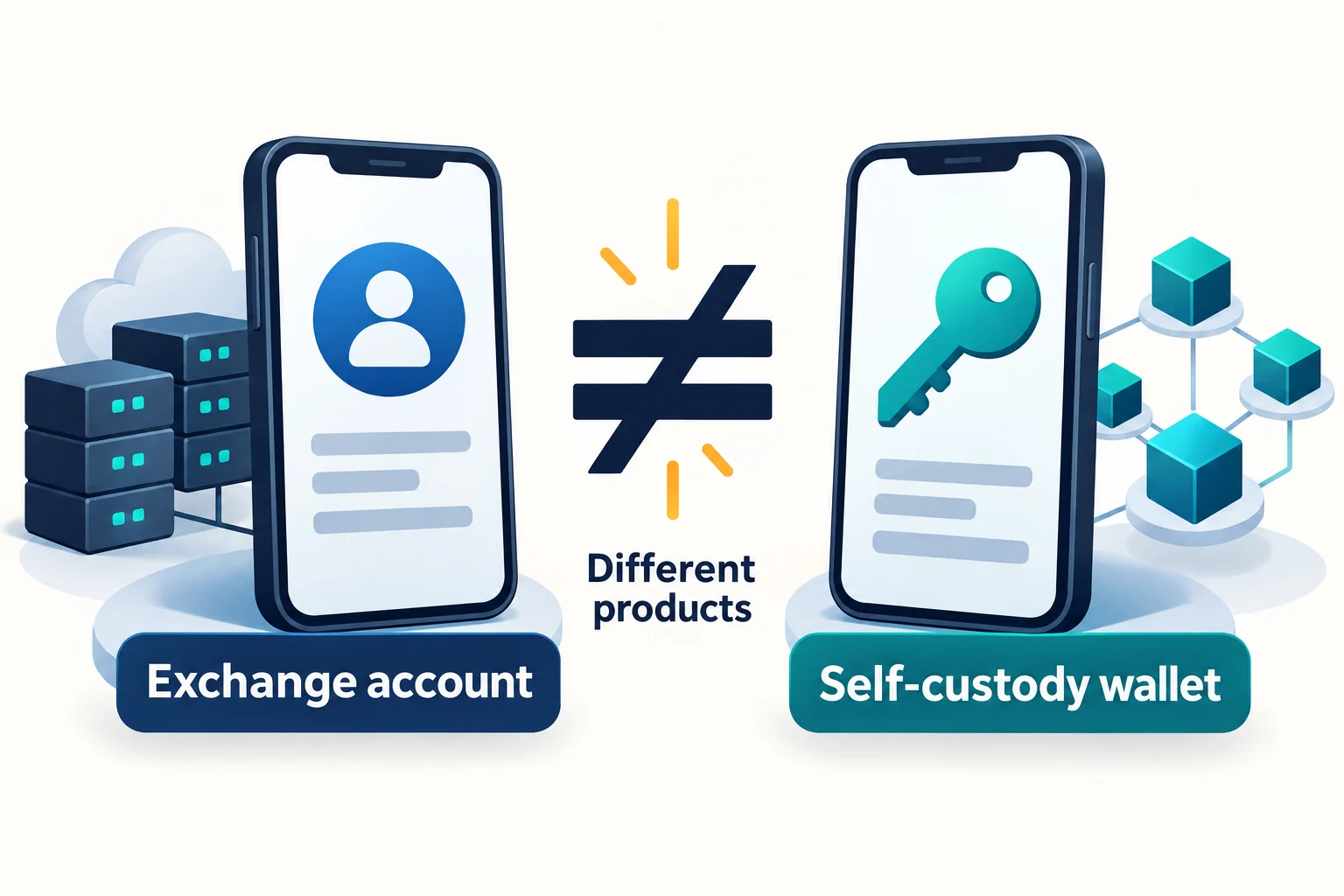
If a screen offers wallet creation/import when you expected exchange-account sign-in, pause and recheck the product. That screen alone proves neither authenticity nor fraud. Never give a person claiming to be exchange support your wallet recovery phrase or private key. A legitimate wallet-import feature is a different context from a supposed exchange-account verification or support request.
3. Trace the official source to the store listing
The official download page displayed App Store, Google Play, Android APK and App Gallery options when checked. It also displayed desktop-client options; this guide focuses on mobile access. A displayed option is not a promise that its destination works for every country, device or account. We intentionally do not publish a supposedly permanent app version, package identifier or publisher name that we have not independently verified for each current store destination.
- Start from the known address. Enter
https://www.bitget.com/downloadin your browser or use a previously verified bookmark. Do not use a message attachment, shortened promotional link or search advertisement as your trust anchor. - Read the host in the address bar. Check spelling and the actual domain, not just the word “Bitget” somewhere in the address. A lock icon indicates an encrypted connection, not that the operator is genuine.
- Follow the relevant official store route. Check where it actually lands before entering account details. An unexplained redirect or an unexpected download is a reason to pause, not to improvise a replacement link.
- Compare the destination. Review app identity, publisher/developer information and support/privacy links against the route you just followed. Store presentation and publisher labels may vary; a mismatch needs clarification from official support.
- Resolve uncertainty before installation. Reach support or the official-channel verification menu by independently navigating the official website. A verification result applies to what was checked, not every file or instruction subsequently sent by someone.
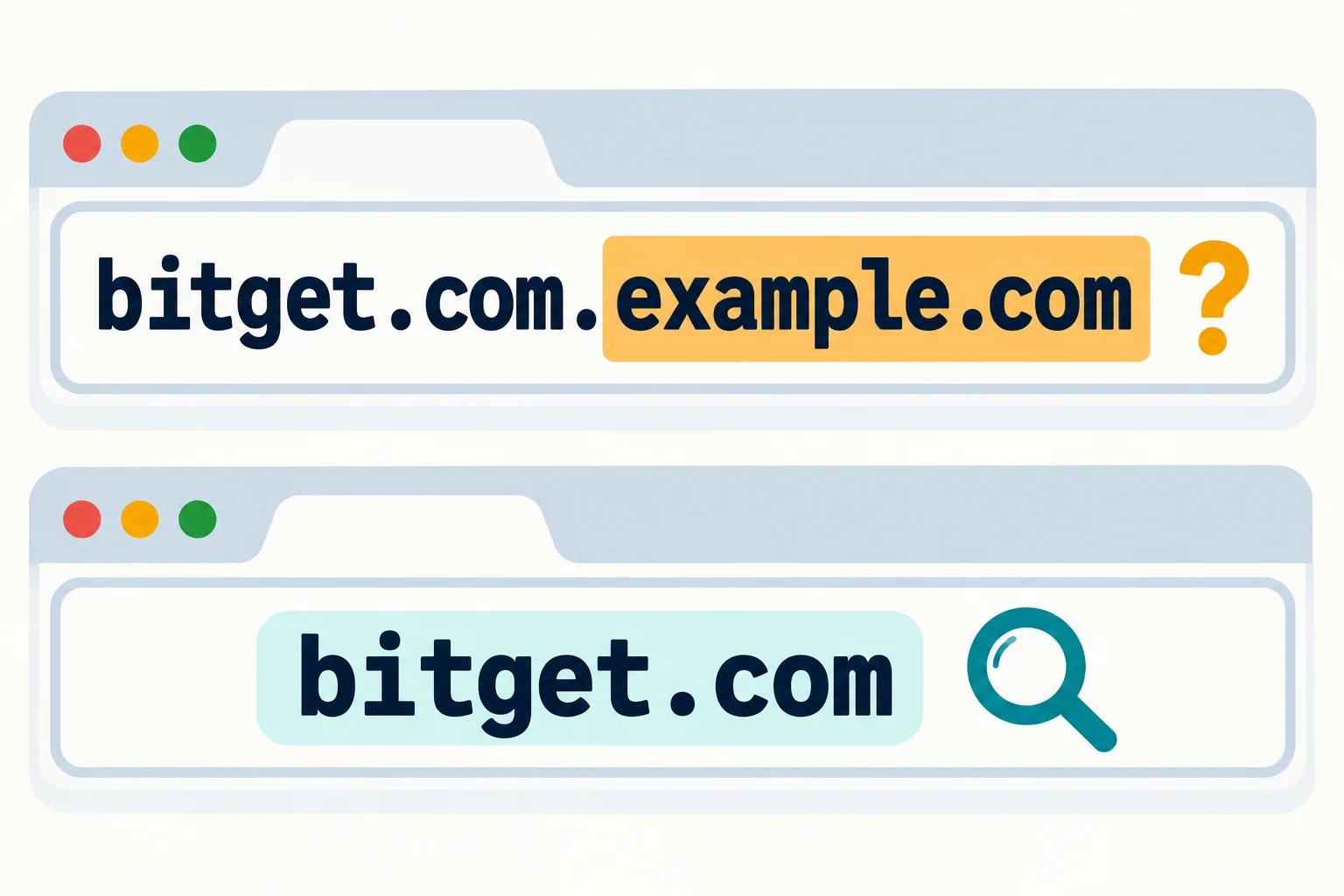
For example, the fictional host bitget.com.example.com is under example.com, not bitget.com. This reserved example is only an illustration, not an observed malicious site. Read the full address on your own device; a cropped screenshot or a truncated link label hides the part you need.
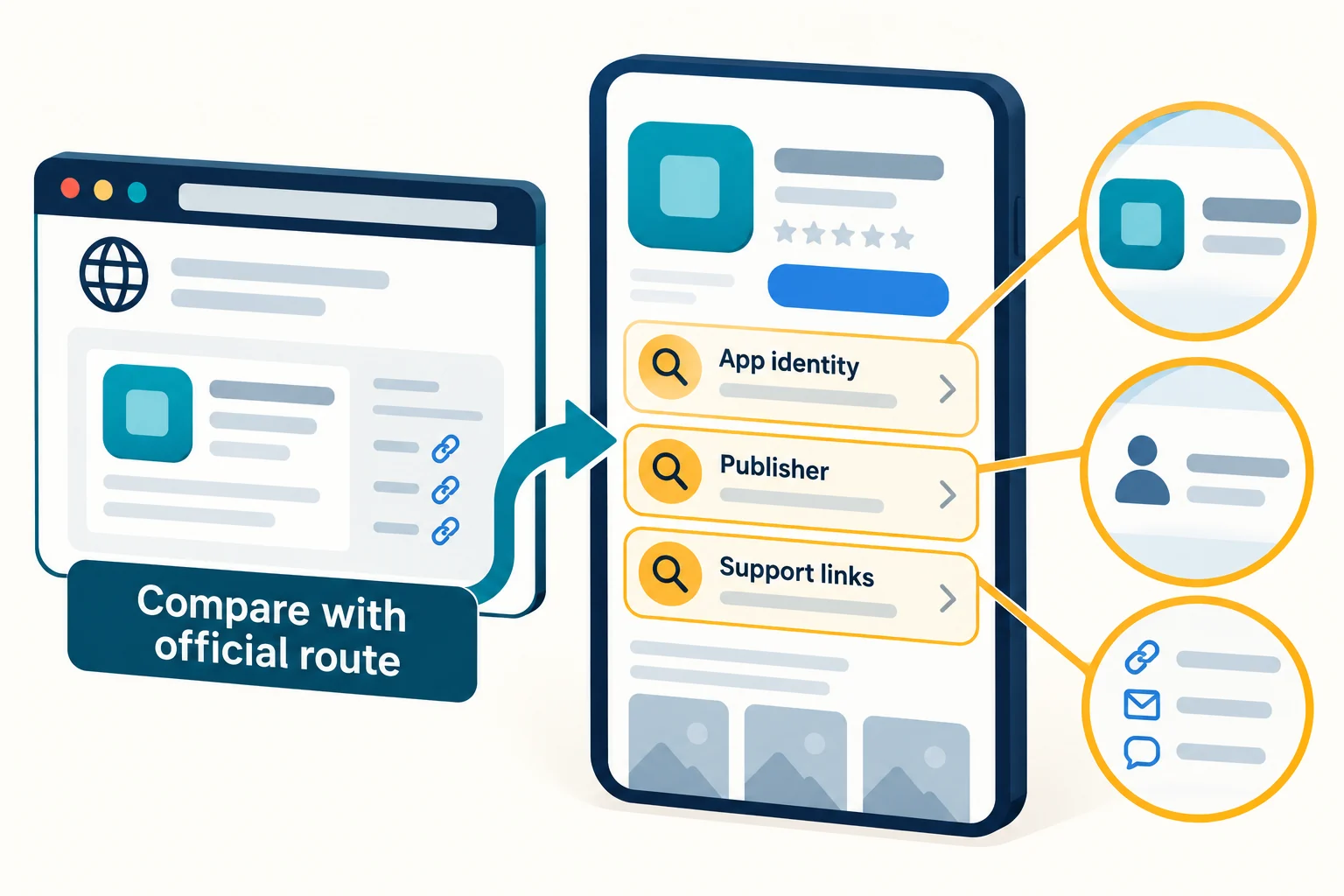
Expected result: you can explain the source-to-listing path and what information you compared. This is a provenance check, not a forensic certification. If a listing is unavailable, an error alone cannot establish whether the cause is country distribution, account settings, device compatibility, a temporary fault or a policy decision. Record the exact message and ask the appropriate official channel; do not assume an APK resolves it.
4. Recognize warning signs without inventing a “safe” test
Bitget’s May 16, 2025 fake-app warning describes impersonation through unofficial stores, suspicious websites and advertisements, including theft of login information and altered transfer addresses. Its Web3 fake-app security guide also discusses copied interfaces, manipulated social proof and permission abuse. These are possible attack patterns, not proof that every unfamiliar app or permission is malicious.
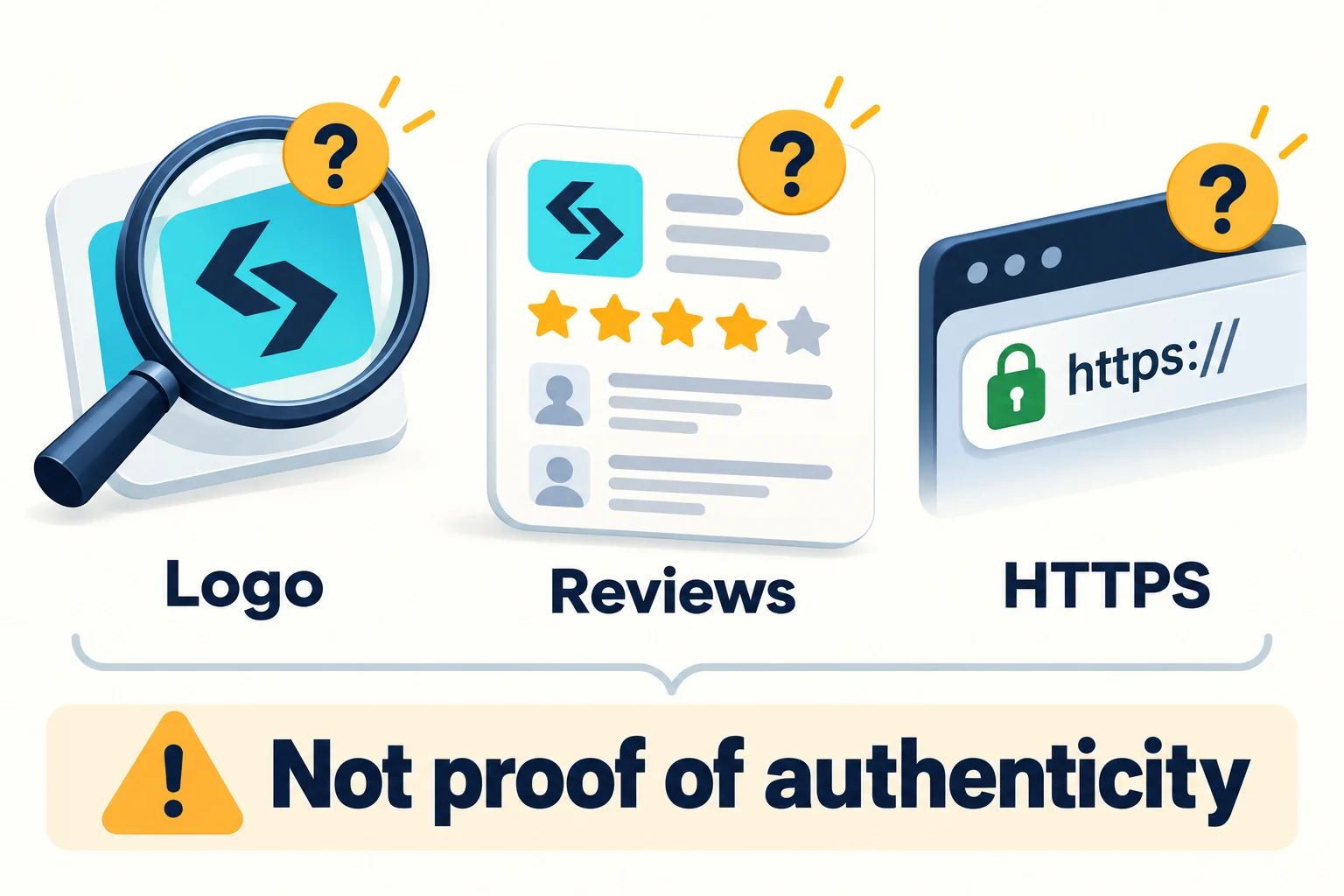
| Signal | What it can tell you | What it cannot prove |
|---|---|---|
| Correct-looking logo, screens or reviews | The presentation resembles the brand. | That the binary, website or operator is genuine. |
| HTTPS or a padlock | The connection uses encryption. | That the domain belongs to Bitget or the file is harmless. |
| Matching UID or displayed balance | The screen shows particular account data. | That the app is genuine; a malicious interface can copy or relay data. |
| Matching first/last address characters | Those characters match. | That the entire address, asset, network or memo/tag matches. |
| No obvious warning sign | No problem was noticed in that check. | Absence of malware, future loss or eligibility restrictions. |
Do not send a test deposit or reveal credentials merely to “prove” an app. If you already have a legitimate transfer to review, compare the full destination and the asset/network/memo context through a trusted independent route; checking only six characters at each end is not sufficient. No address comparison authenticates the app itself.
Permissions need a purpose, not an automatic approval
A camera request may have a specific explanation, such as scanning a code or completing a documented identity check. A request to read messages, control accessibility functions or display overlays needs scrutiny in its exact context. This is not a verified manifest of the current Bitget app’s permissions. If the purpose is unclear or unrelated to the action you chose, deny or pause and investigate.
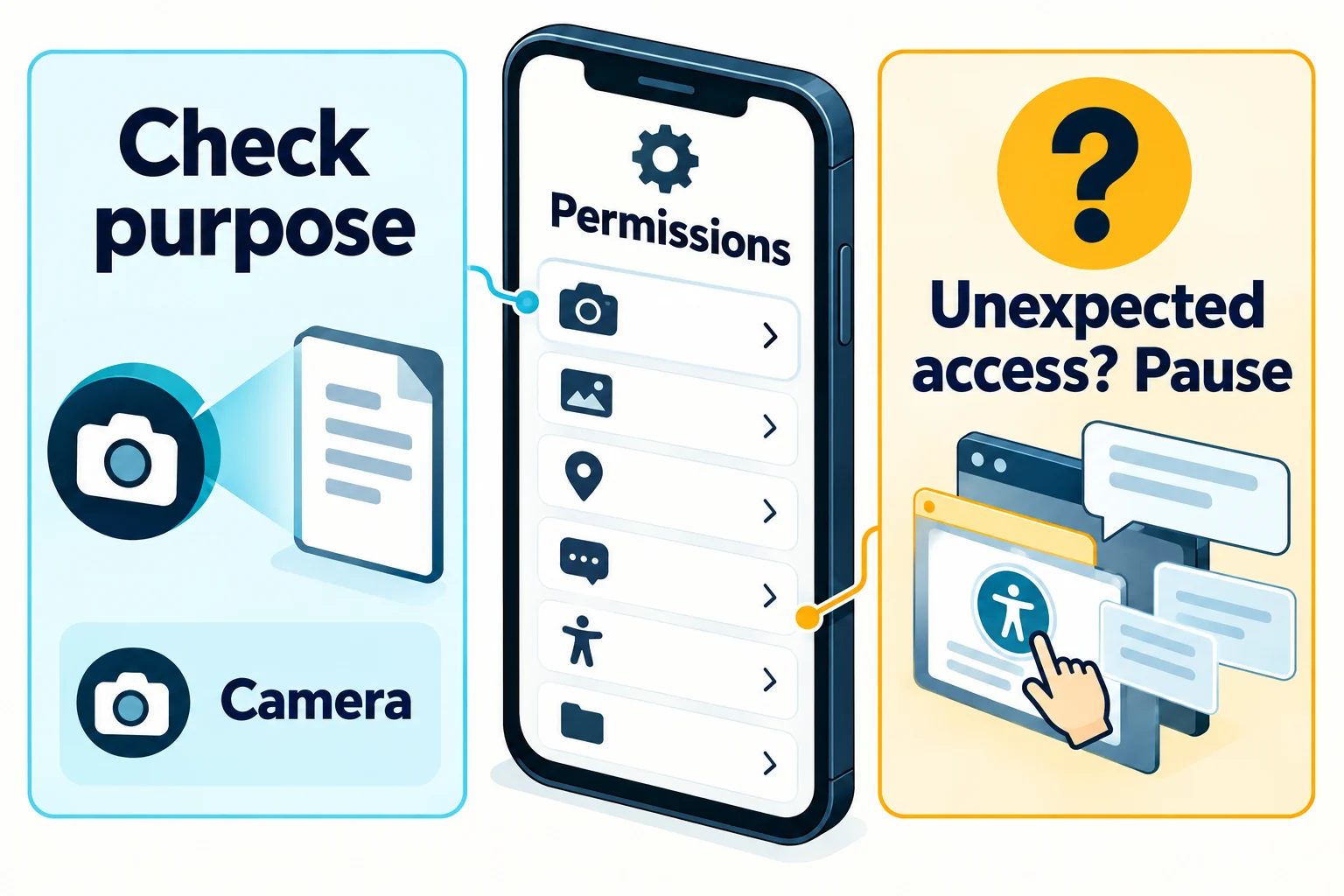
Keep operating-system protections active. Google’s Play Protect warning guidance distinguishes several kinds of warning, including unknown-app scanning, sensitive permissions and harmful-app detection. A warning is not something to dismiss just because a page calls the file “official”; neither does every warning have the same meaning.
5. APK and updates: a separate risk decision, not a workaround
Bitget’s global page includes an Android APK option. An APK is an installation package, not evidence of eligibility or authenticity. This article does not walk you through enabling unknown-source installation, turning off Play Protect, changing store country or bypassing a restriction.
Before considering any package, establish both the permitted source and the supported update route for your circumstances. A filename, a familiar icon or a hash posted by an untrusted sender is not independent verification. If a trustworthy current signing/checksum reference is unavailable, do not describe the file as cryptographically verified. We did not download, execute or verify the signature of a Bitget installer for this article.
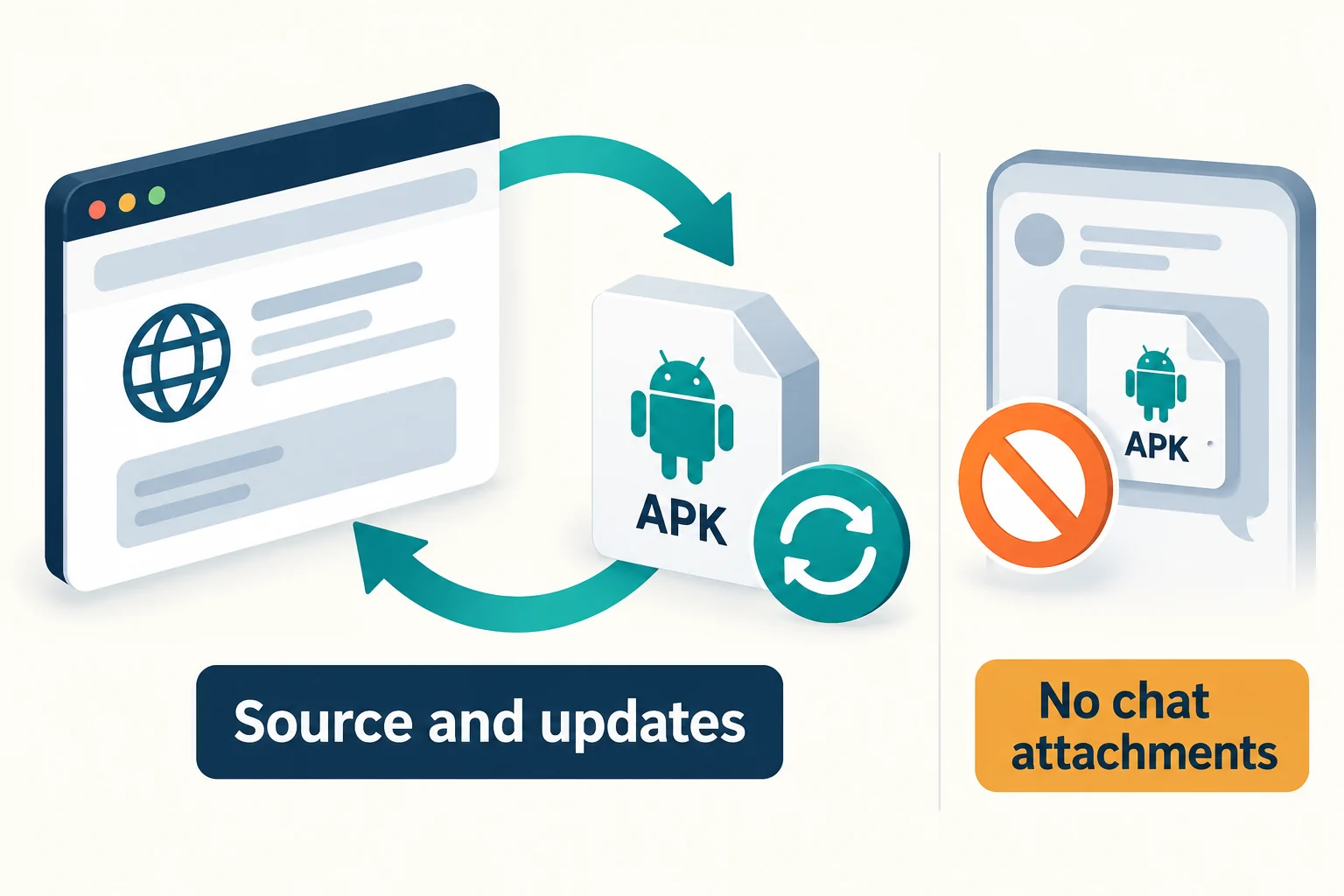
Do not assume a directly installed app receives the same updates as a store installation. Ask official support how that distribution route is maintained. AhnLab’s January 15, 2026 security analysis warns that restrictions and missed updates can be exploited by criminals offering supposed exchange installers or updates. Its historical policy discussion does not establish the current availability of any particular app. Never replace an unavailable update with a file sent in a chat.
6. If you may already have used a fake app
Bitget advises removing fake apps, changing passwords and reporting impersonation. If compromise is plausible, stop entering information and use a separate trusted, updated device for account recovery. The following is a general triage framework, not a guarantee of recovery or an instruction to perform risky forensic work yourself.
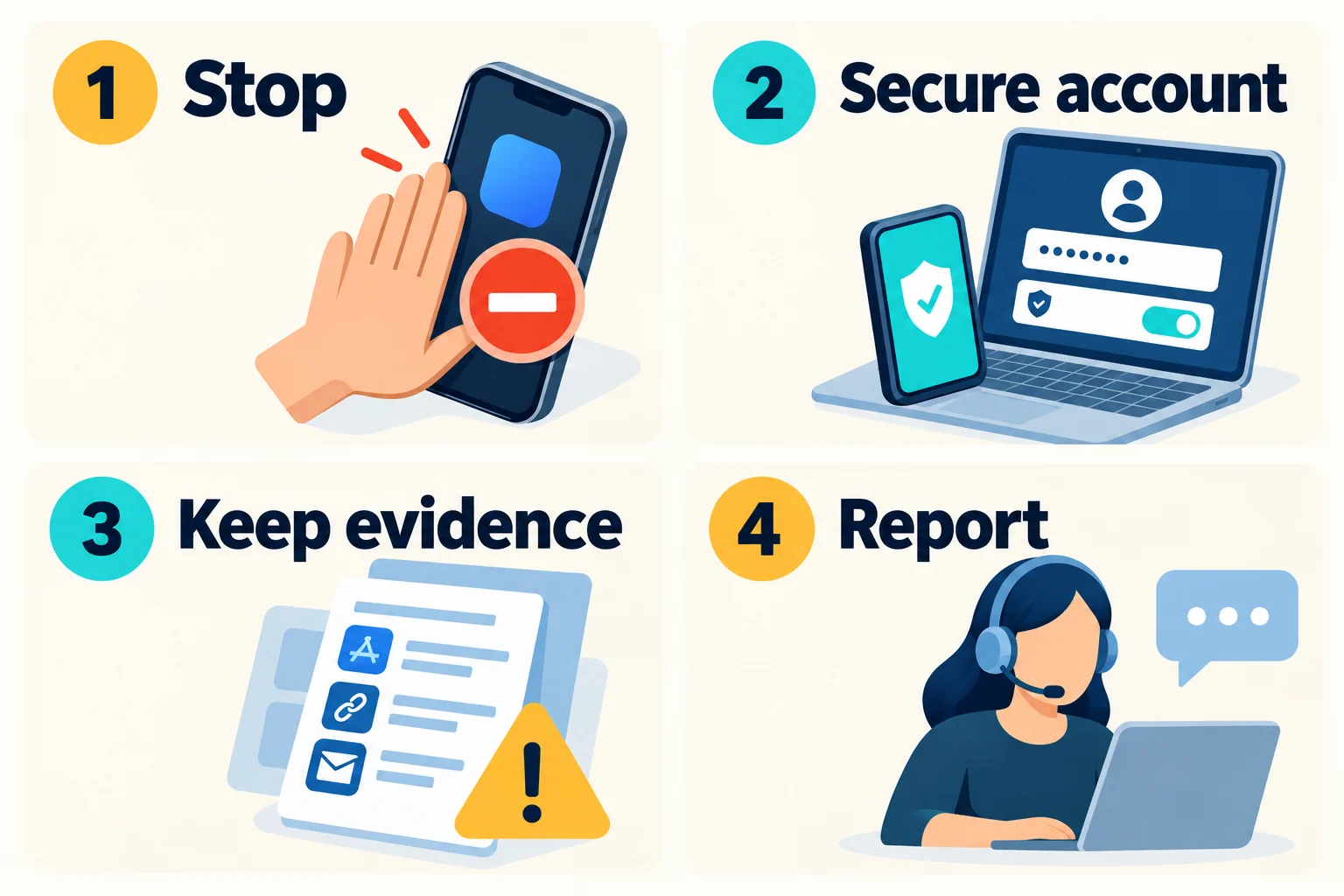
- Stop exposure. Do not reopen the suspected app to test it, approve prompts, connect wallets or send funds. If it may control the device, use a different clean device and seek qualified device-security help.
- Secure the affected accounts. Independently reach official support and account security controls. Address the email account used for recovery as well as the exchange password; review unknown sessions, devices, API access and recovery changes. Ask support about restricting access where warranted.
- Describe what was exposed. A one-time 2FA code can be abused during its validity, but entering one code does not itself prove the underlying authenticator secret was stolen. Exposure of a setup QR/secret, recovery code or wallet recovery phrase is a different and more serious situation. Tell support precisely which information you supplied; do not repeatedly reset security factors without understanding the account’s recovery procedure.
- Keep evidence without more exposure. Retain the source URL, listing/file name, messages, times and relevant transaction identifiers already available. Do not reopen malware or share passwords, codes, keys or recovery phrases to collect evidence. Follow device-security advice on safe removal; preserve needed evidence before a destructive reset where feasible.
- Report and review the device. Report the impersonation through independently verified Bitget and store channels and, when appropriate, local authorities. Follow operating-system guidance or qualified help for scanning/removal. A stranger offering guaranteed recovery for an advance fee or secret phrase is not a recovery plan.
The Google Account compromise guide is relevant if your recovery email is a Google account; it is not Bitget’s own recovery workflow. For a genuine exchange account’s protection options, see our Bitget account security guide. This download article does not repeat that full settings walkthrough.
7. A short decision checklist
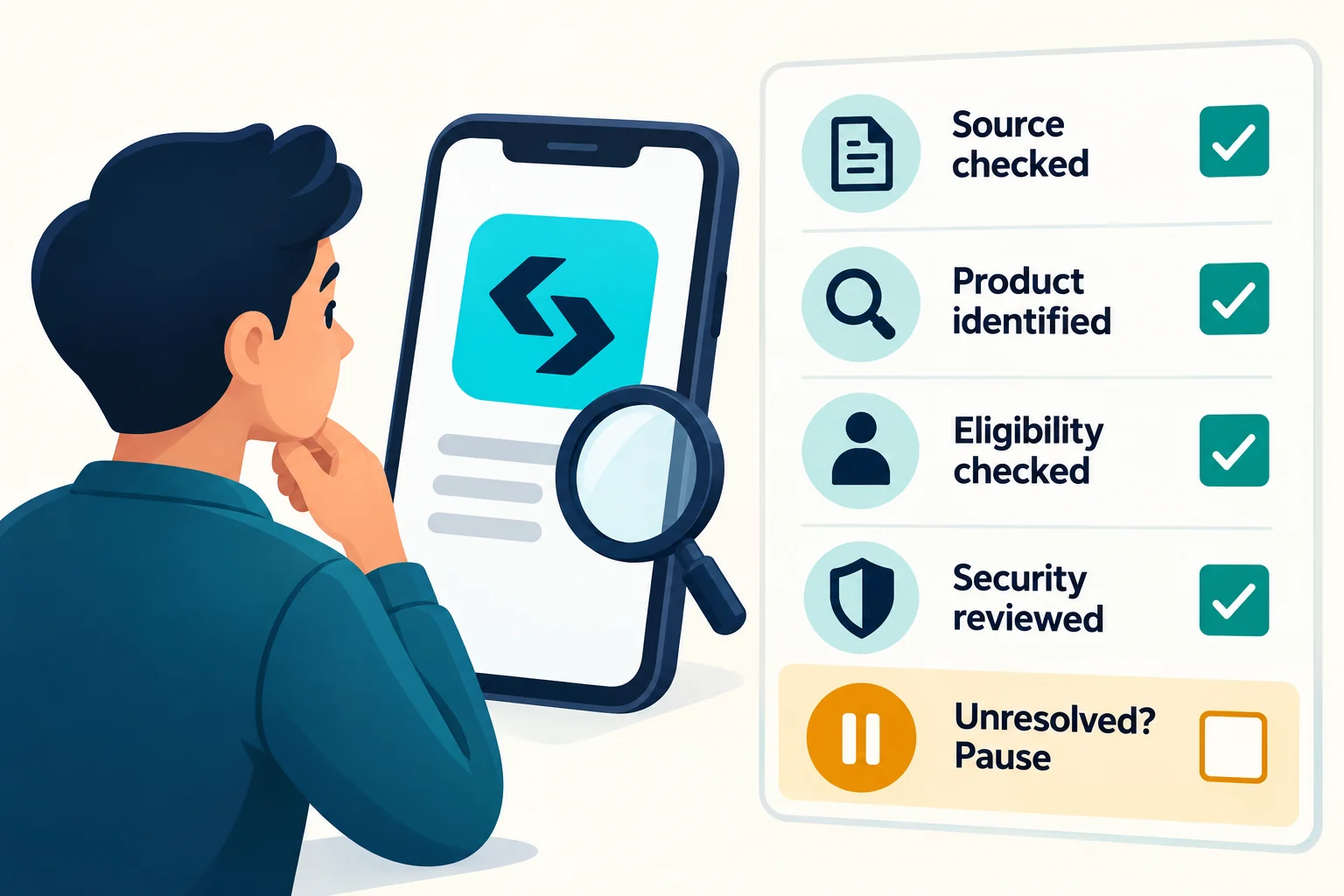
- Source: the actual domain and source-to-listing route are understood, not merely a logo or lock icon.
- Product: exchange-account access and self-custody wallet access have not been confused.
- Eligibility: local rules, current platform terms and product conditions have been checked independently of installation.
- Security: permission requests, installer provenance and future updates have an explanation; security warnings remain enabled.
- Unresolved issue: pause and obtain clarification. Do not substitute a mirror, another person’s account or a false location.
If your remaining question concerns eligibility and the ordinary account-creation process rather than installation provenance, the separate Bitget registration and KYC checklist explains that subject. This link is background information, not a recommendation to open an account.
Frequently asked questions
Can I confirm the real app from its name, reviews or UID?
No. Those details can be imitated or relayed. Use the independently reached official source and compare its linked listing, then resolve any mismatch with official support. These checks reduce risk; they do not certify a device or app as safe.
What should I do if the official store link does not work?
Record the exact error, device/OS and store-country context without publishing private identifiers. An unavailable listing does not reveal the cause on its own. Check current eligibility and ask the appropriate official channel. Do not bypass a regional, legal or security restriction.
Does an official APK make use legal in South Korea?
No. File provenance, store distribution, local regulation and account/product eligibility are separate. This guide does not confirm present Korean availability or authorization and does not provide a sideloading or access-circumvention procedure.
Are these pictures real app screenshots?
No. All ten are original AI-assisted explanatory illustrations, not Bitget screenshots, malware specimens, installation tests or proof of current store availability. Labels are in English for reuse; the essential checks and qualifications are also written in the article.
Sources, editorial scope and risk disclosure
Sources linked beside the relevant claims were checked on October 18, 2026 (KST): Bitget’s download page, Terms of Use and two fake-app notices; Google Play’s cryptocurrency policy and Play Protect guidance; the Korean FSC’s October 13 announcement; AhnLab’s January 15 analysis; and Google Account recovery guidance. Publication does not turn a source’s historical date into a new incident date. No live installation, installer signature test, Korean store-account test or country-by-country availability test is claimed.
Editorial and affiliate disclosure: BitQED has affiliate relationships with exchange services elsewhere on the site. This article contains no referral, sign-up, deposit or trading link and offers no bonus or discount claim. It provides source-checking information, not a recommendation to use Bitget or a legal determination about eligibility.
Risk disclosure: cryptocurrency can lose value, leveraged products can amplify losses, and custodial, cyber, operational and regulatory risks remain even with a genuine app. Access, updates or withdrawals may be restricted. No source check, security setting or support contact guarantees safety, recovery or compensation.