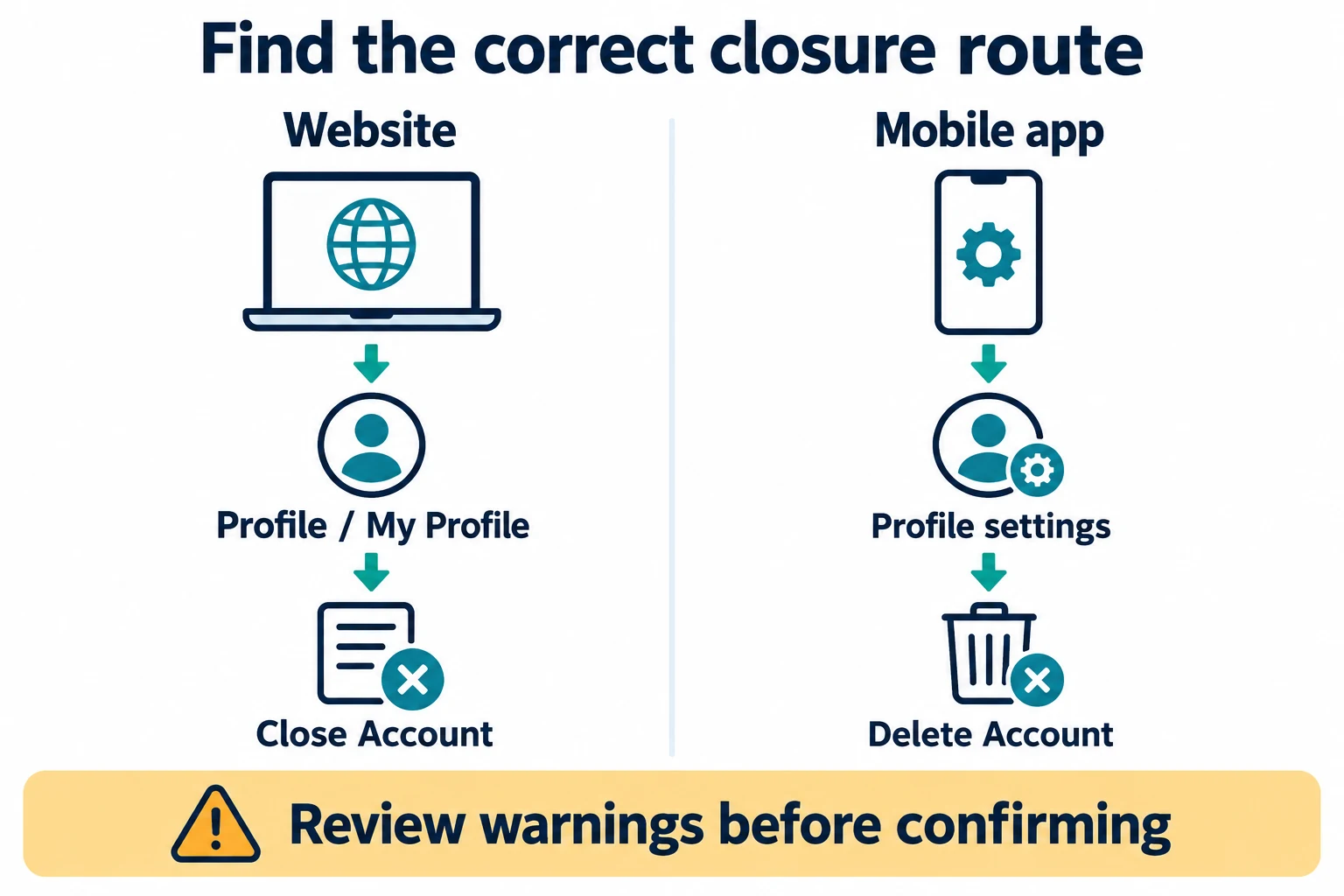
You can delete a Bitget exchange account through the website’s My Profile → Close Account route or the app’s profile settings → Delete Account route. This is permanent account closure, not simply uninstalling the app or temporarily disabling access. Before confirming, resolve outstanding activity and balances, save the records you need, and read the warnings shown for your account.
Last fact-checked: October 13, 2026. This guide compares the official website deletion instructions, mobile deletion instructions, account terms and privacy notice. It explains the process; it does not recommend closing an account, execute a closure, or claim that every account is eligible. Menu labels and conditions can change.
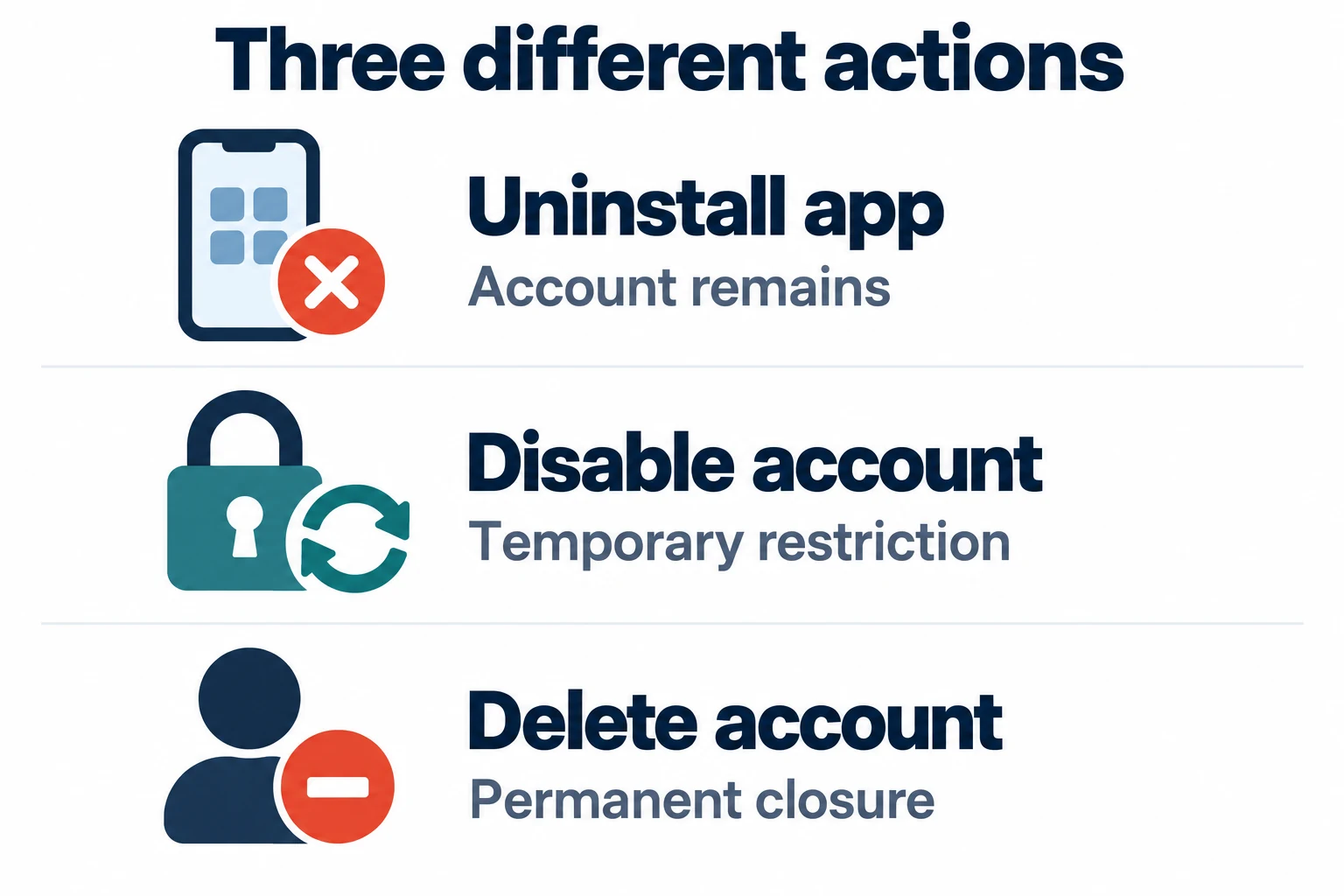
Uninstalling, disabling and deleting are different actions
| Action | What changes | What not to assume |
|---|---|---|
| Uninstall the app | The application is removed from that device. | This is not an account-closure request and does not settle trading activity. |
| Disable the account | Bitget restricts access through its security workflow; an unlock route exists. | It is not permanent deletion or a harmless pause of every financial obligation. |
| Delete the account | The account is permanently closed under the deletion procedure. | Do not expect restoration, automatic record access or immediate approval for a replacement account. |
Bitget’s disable/unlock guide describes a separate security feature for main personal accounts. Disabling affects login, trading, withdrawals, orders, bots and linked sub-accounts. Its workflow can also include position-closing or collateral-repayment choices. Read the actual effects before confirming anything; temporary disablement is not a substitute for resolving liabilities.
If your real problem is a frozen balance or blocked login, use the Bitget frozen-assets and disabled-account guide. If you suspect account compromise, the priority is the official security and recovery route, not an irreversible deletion request. Our account-security guide explains that distinction.
Before deleting a Bitget account: a completion checklist
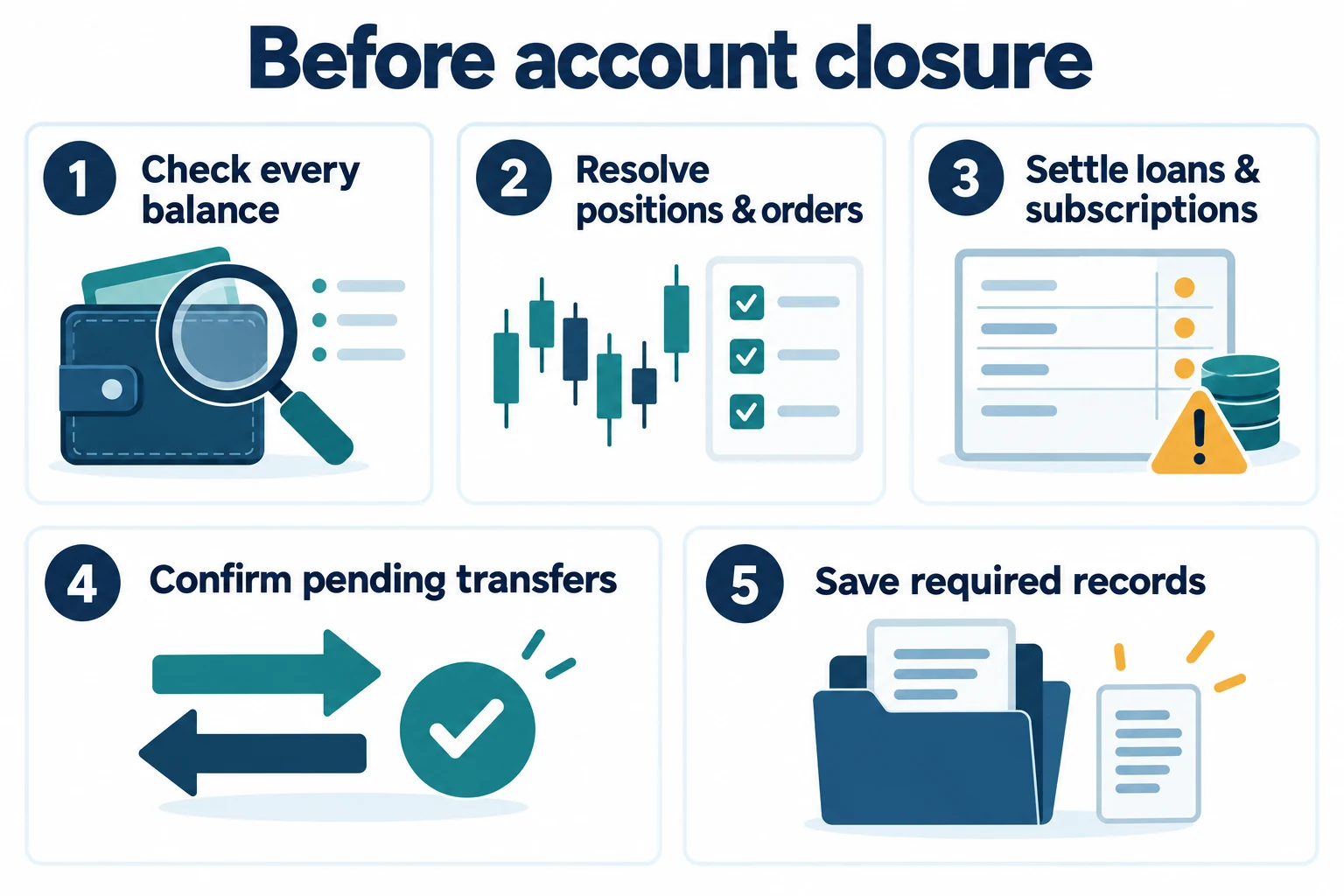
Do not treat a single zero balance on the home screen as proof that the whole account is ready. The following is BitQED’s recordkeeping checklist, built around the prerequisites in Bitget’s deletion guides and closure terms. Check each product and account context that you actually use.
| Check | Evidence to keep | Reason to stop and resolve first |
|---|---|---|
| Balances across account types | A dated inventory of assets, including any linked wallet or sub-account you use. | An unexplained balance, locked amount or inaccessible asset remains. |
| Positions, orders and automated activity | Final position/order status and relevant product records. | An open position, active bot or unsettled activity still exists. |
| Loans and subscriptions | Repayment/redemption status and any remaining obligation. | A debt, interest charge, redemption delay or active subscription is unresolved. |
| Transfers and withdrawals | Platform status plus the receiving account or chain record where relevant. | A transfer is pending or the destination has not been reconciled. |
| Disputes and support cases | Case reference, dates and required correspondence. | A claim, investigation, hold or unexplained restriction is still open. |
| Records and identity information | Required exports saved securely and verified to open. | You still depend on future account access to retrieve them. |
Bitget’s Terms of Use, sections 5.16–5.17, address outstanding amounts and circumstances that may prevent closure, including pending transactions or claims and account freezes or holds. A deletion request is not a way to bypass a restriction, investigation or debt. If a small residual balance cannot be resolved through the normal interface, ask official support rather than assuming it will disappear safely.
This checklist is not an instruction to make an immediate market trade or transfer. Closing a position, redeeming a product or moving funds can involve fees, price changes, network risks and settlement delays. Review the specific action and its consequences independently.
How to delete a Bitget account on the website or app
Website route
- Open the official Bitget website and verify the account you intend to close.
- Use the profile icon, open My Profile, and locate Close Account near the bottom.
- Read the consequences and prerequisites displayed in the closure flow.
- Only if you understand and accept them, complete the required acknowledgments and security verification shown by Bitget.
- Retain the request or confirmation record and distinguish submission from completed closure.
These menu names follow the official website guide checked on October 13, 2026. If your account does not show this route, do not follow an unofficial link asking for credentials; reach support through the official site.
Mobile app route
- Open the genuine Bitget app and its top-left menu.
- Tap the profile bar to open profile settings, then locate Delete Account.
- Review the account and wallet warnings. The current guide specifically mentions checking that the Web3 wallet has no assets; do not assume an exchange balance covers every wallet context.
- Complete the acknowledgments and verification only after resolving the prerequisites.
- Keep the resulting status or confirmation without exposing passwords or one-time codes.
The official mobile guide currently describes review within 24 hours. Treat that as Bitget’s published process guidance, not an independently tested completion guarantee or a reason to submit repeated requests. Check the actual status and contact official support if it is unclear.
Save records before losing account access
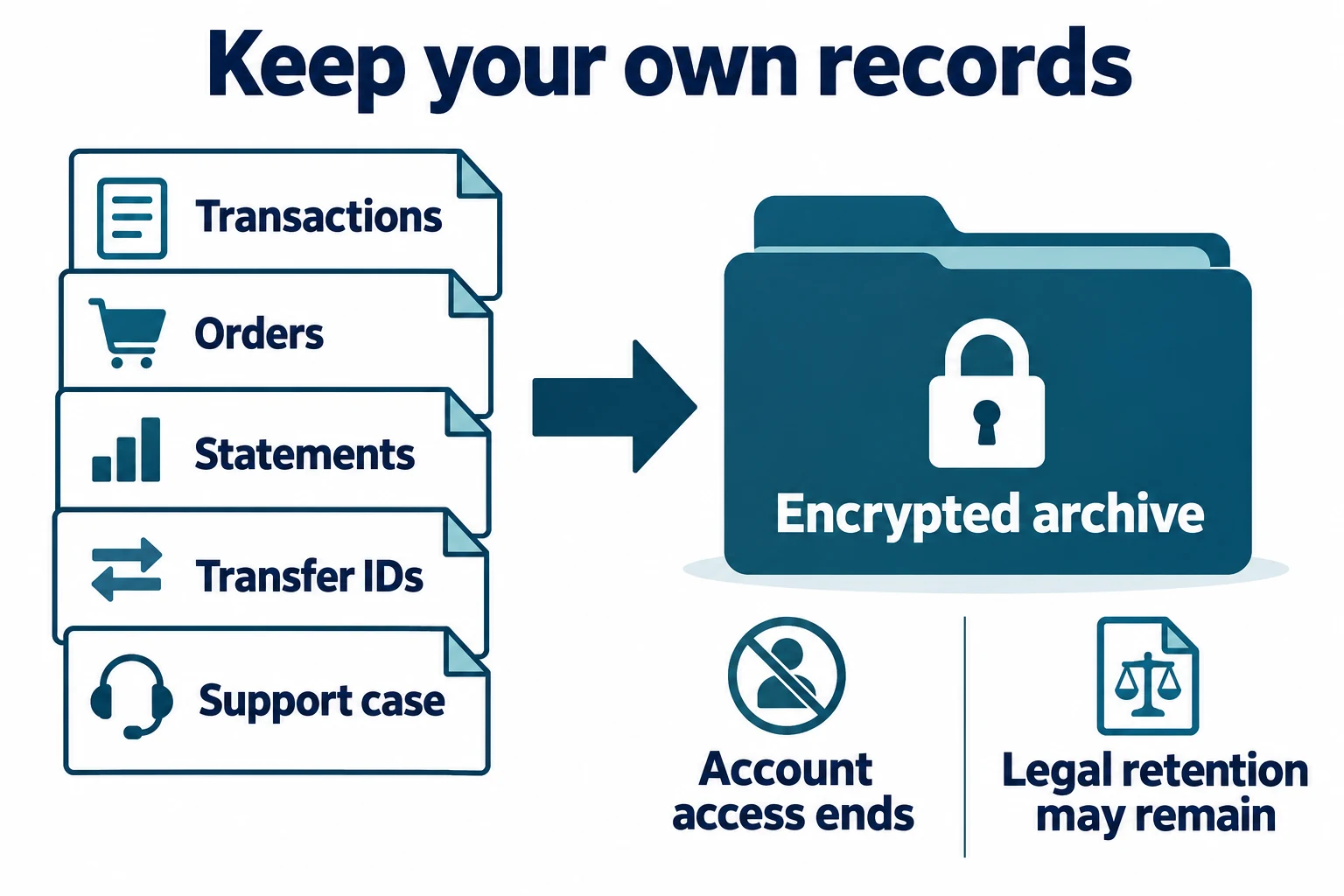
Build an archive that another reviewer—or your future self—can understand without logging back in. For each export, record the account scope, product, selected dates, displayed timezone and download date. Open the file, inspect its first and last records, and keep an unchanged original separate from any spreadsheet you edit.
- Transaction history for movements, fees and balance changes.
- Order history for executions and order-level details.
- Relevant statements for the dates and purpose you need.
- Transfer identifiers and receiving-side evidence where applicable.
- Support case references and unresolved correspondence.
Bitget’s export help currently provides website-based exports rather than an app export tool. Our Bitget transaction and order-history export guide explains report selection and reconciliation. Do not wait until closure to discover that you saved a one-day balance snapshot instead of the ledger needed for your records.
Keep financial and identity files encrypted. If a professional or official support channel genuinely needs a copy, verify the recipient and remove unrelated information where appropriate. Never include passwords, authenticator backup keys, API secrets or wallet recovery phrases in an export folder.
Account deletion does not promise immediate erasure of every record
Bitget’s deletion help describes the end of account access and uses broad data-removal wording. That must be read with its Privacy Notice, sections 12–13: certain information may remain for legal, regulatory, dispute or other stated retention purposes, and erasure requests have legal exceptions. The notice also states that it prevails in a conflict with other notices or policies. Do not interpret account closure as instant, universal destruction of KYC and transaction records. Ask Bitget which rules apply to your data; this article is not a legal determination of your individual retention period.
What changes after closure, and can you register again?
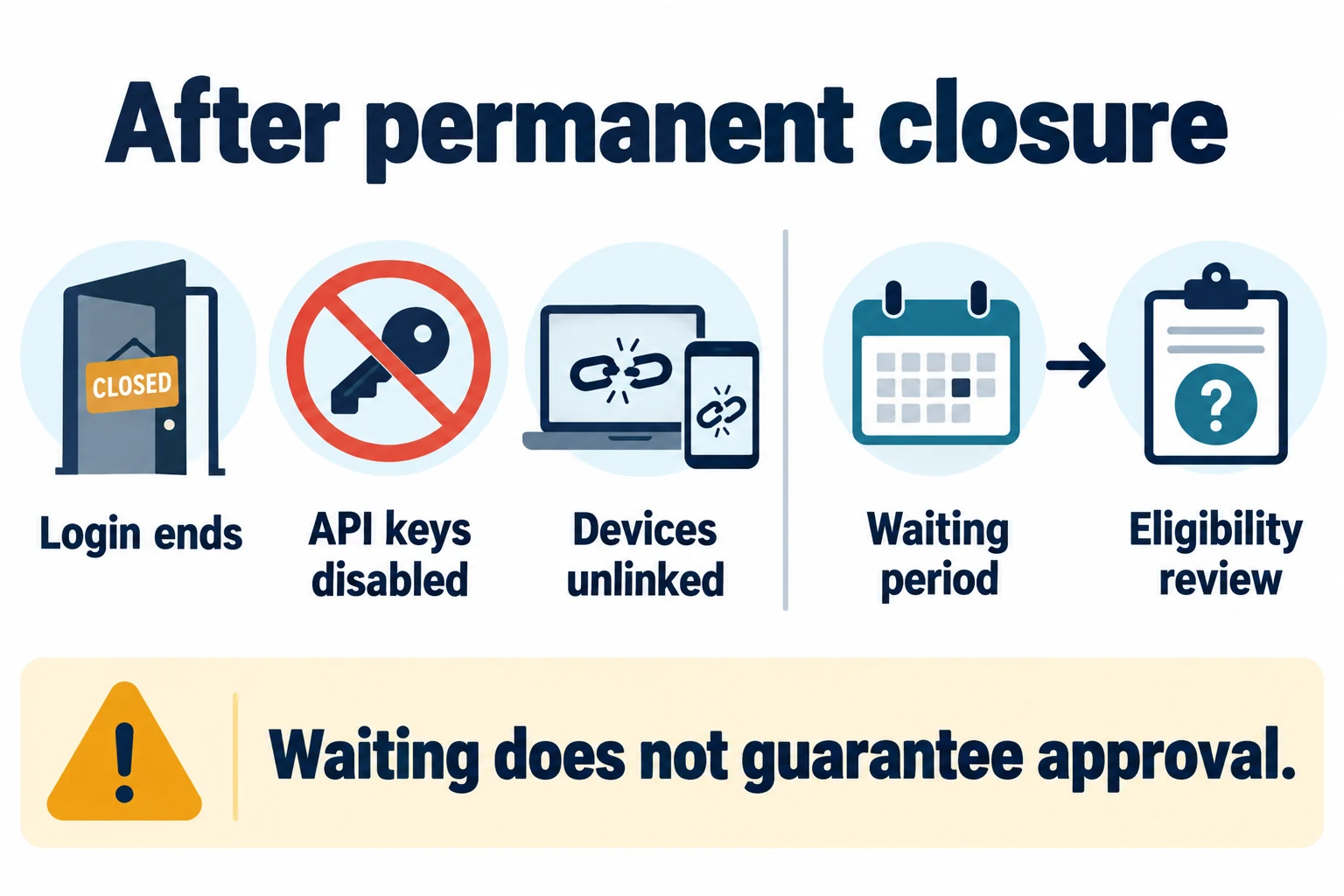
The official closure instructions describe the loss of login and trading access, deactivation of associated API keys and removal of device authorizations. Treat closure as final, not as a reversible profile reset. If another tool depends on the account, document that dependency before proceeding.
As checked on October 13, 2026, Bitget’s mobile deletion guide states a 30-day wait before re-registering with the same phone number, email or identity document. This is a waiting condition, not a promise that registration or KYC will be approved afterward. The deletion guide should be read alongside the Terms of Use, which retain eligibility requirements and Bitget’s discretion over account applications.
Do not create duplicate accounts, use another person’s documents, misstate residence or try to evade a service restriction. Deletion is also not proof that a different referral relationship or new-user benefit will become available. This guide does not recommend closing and recreating an account to change a code. For ordinary onboarding checks, use the existing Bitget registration and KYC checklist.
When to stop and ask official support
Stop if the displayed account is wrong, the balance cannot be reconciled, a claim is open, a product is still settling, or you cannot complete security verification. Do not repeatedly confirm a request whose outcome is unknown. Record the date, exact status or error, affected product and case number; keep credentials and identity documents out of public screenshots. Use the support channel reached from the official Bitget app or website, not a person offering paid “deletion,” “unlock” or “KYC reset” services in a direct message.
Frequently asked questions
Does deleting the Bitget app close my account?
No. Uninstalling software is not a server-side closure request. Use the documented account process if permanent closure is your actual intention.
Is waiting 30 days enough to guarantee a new account?
No. The published same-identifier waiting rule does not replace eligibility, KYC or regional requirements. The platform can still refuse an application under its terms.
Should I delete my account to fix frozen funds?
Do not assume that closure releases a freeze or settles a dispute. Identify the restriction and use the official resolution route; account holds and outstanding claims can prevent closure.
Sources, scope and disclosure
- Bitget website account-deletion guide.
- Bitget mobile account-deletion guide.
- Bitget account disable/unlock guide.
- Bitget Terms of Use, especially eligibility, account closure and record retention.
- Bitget Privacy Notice, especially retention and legal rights.
- Bitget account-data export guide.
BitQED is an independent informational site and a Bitget affiliate partner; it is not Bitget. This article contains no registration CTA or referral link. The checklist and diagrams are editorial explanations, not evidence of a live account test. BitQED did not access a reader’s account or submit a deletion request. This is general information, not legal, tax or investment advice. Crypto assets, leverage, custody and transfers involve risks; closing an account does not remove existing obligations. The applicable official terms and account-specific warnings should be checked again before any irreversible action.